Exceeds Assistant: Your AI-Powered Advisor
Last updated: February 19, 2026
Using the Exceeds Assistant
AI-powered metric analysis using natural language queries.
Access: Click "Ask Assistant" on any dashboard in lower right, or click on any metric itself to get an automatic investigation by the Assistant on the trend for the root cause and trend for the metric.
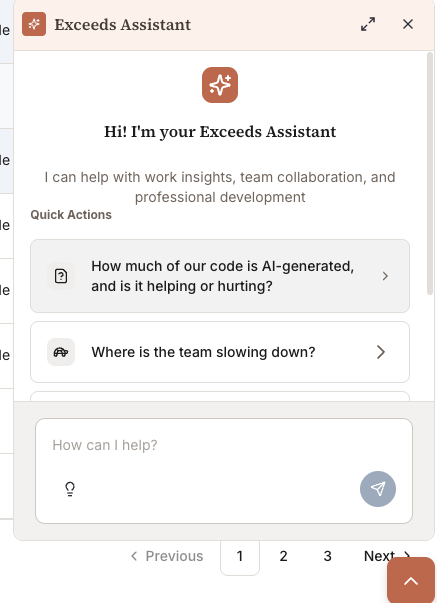
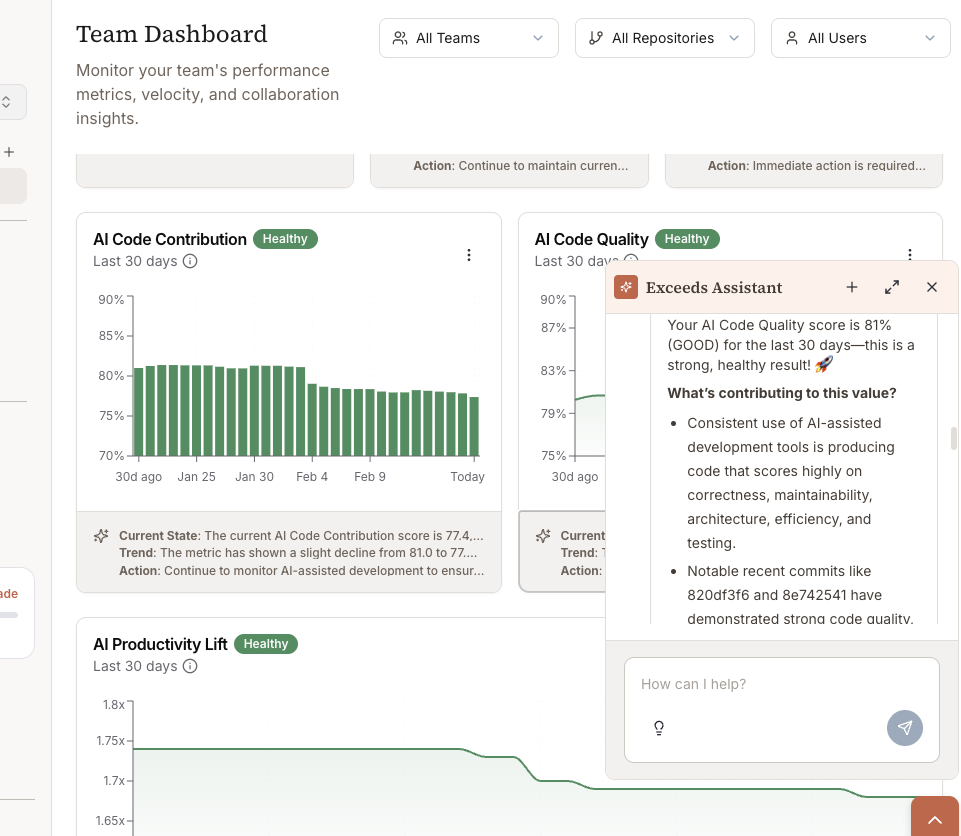
Common Queries
Trend Analysis
"Why did AI code contribution drop last week?"
"What caused the spike in cycle time?"
Team Comparison
"Which team has the highest AI adoption?"
"Show me teams with declining quality"
Individual Coaching
"Who are the top AI adopters?"
"Engineers with low productivity and high quality"
Correlation Analysis
"Does AI usage correlate with faster cycle time?"
"Is there a quality tradeoff with high AI %?"
How It Works
Natural language - Ask questions in plain English
Context-aware - Uses visible dashboard filters
Data-grounded - Shows supporting data in your repos
Actionable - Provides recommendations
Best Use Cases
Weekly Planning
"What should I focus on this week?"
"Which metrics are getting worse?"
1-on-1s
"Show [engineer name]'s trends"
"Compare [engineer] to team average"
Executive Reporting
"Summarize AI impact this quarter"
"What's our ROI on AI tools?"
Tips
Be specific with time ranges
Reference visible filters
Ask follow-up questions
Request data exports for deeper analysis